
This post is about sun flares and how I shoot them around Miami and when I travel. The settings matter less than you'd think. What matters is what you put in front of the sun.
The Gear
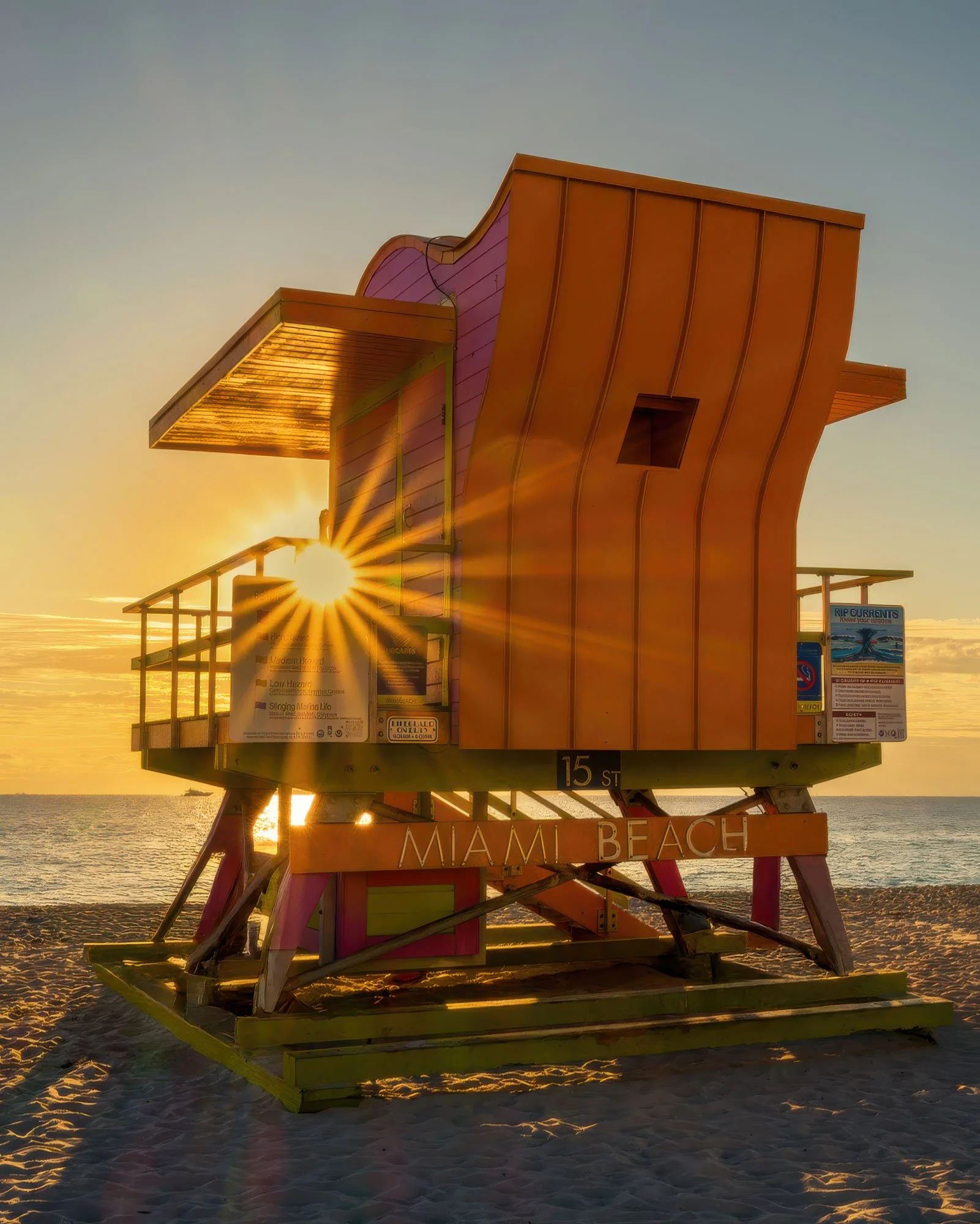
Most of these frames came off the Sony A7 V and the A7 IV with the Sigma 18-50mm f/2.8 DC DN. It's an APS-C lens, so both full frame bodies ran it in crop mode. Seven aperture blades. With an odd blade count each blade throws two points, which gives the Sigma a 14-point star with thick rays that still read at blog size.
One street frame was the Leica SL3 with the Vario-Elmarit-SL 24-70mm f/2.8. That lens has 11 blades, so 22 points, finer and denser. You'll see the difference in the shot.
Hide Most of the Sun
A sun flare comes from a small, hard point of light. Leave the whole sun in the frame and you get a blown-out ball. Place it behind something and only a sliver gets through. It is trial and error to get the right position.
The lifeguard stands on Miami Beach work well for this. Railings and roof overhangs give you plenty of hard edges to tuck the sun behind, and you can walk around the stand until the sun sits right on one.
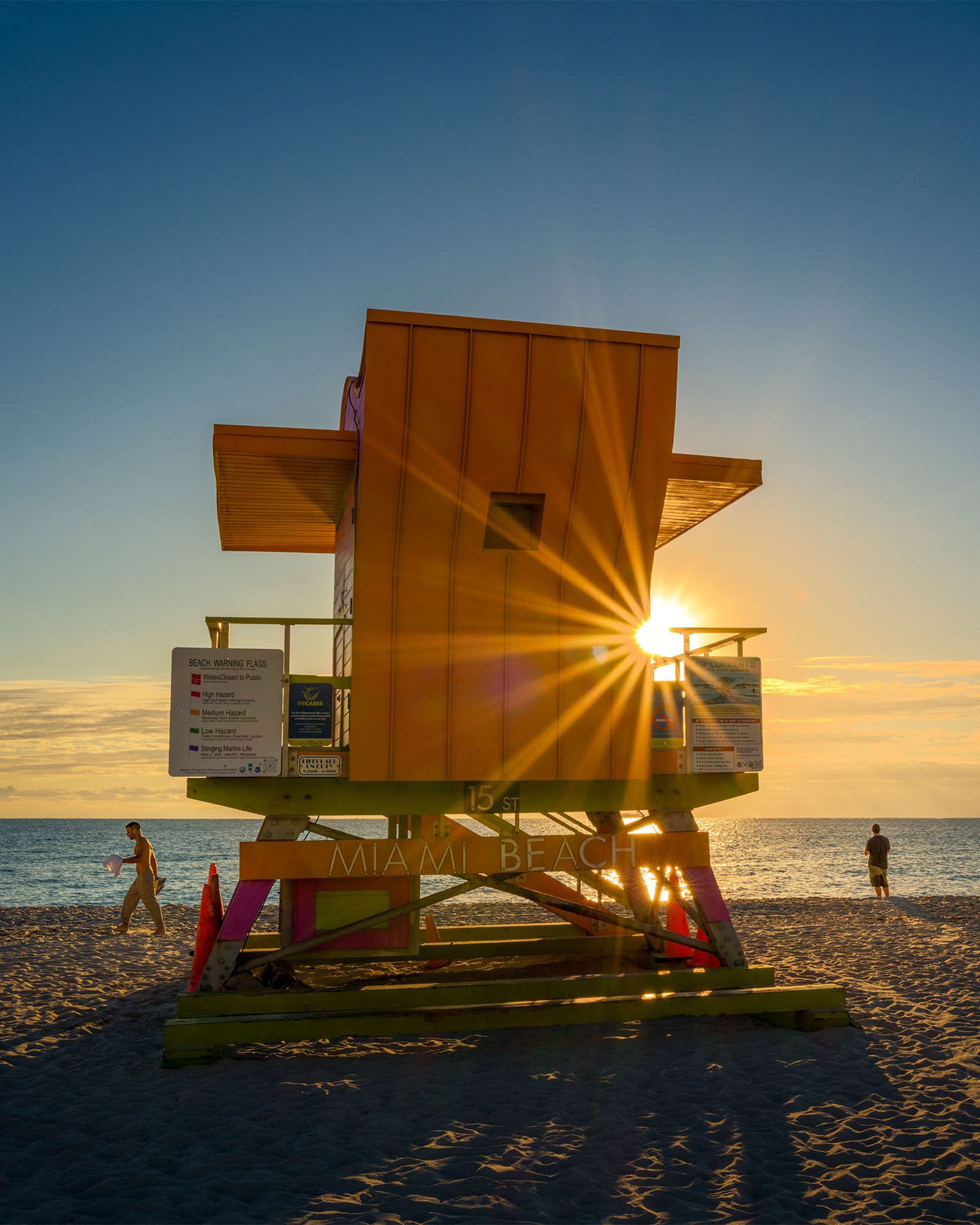
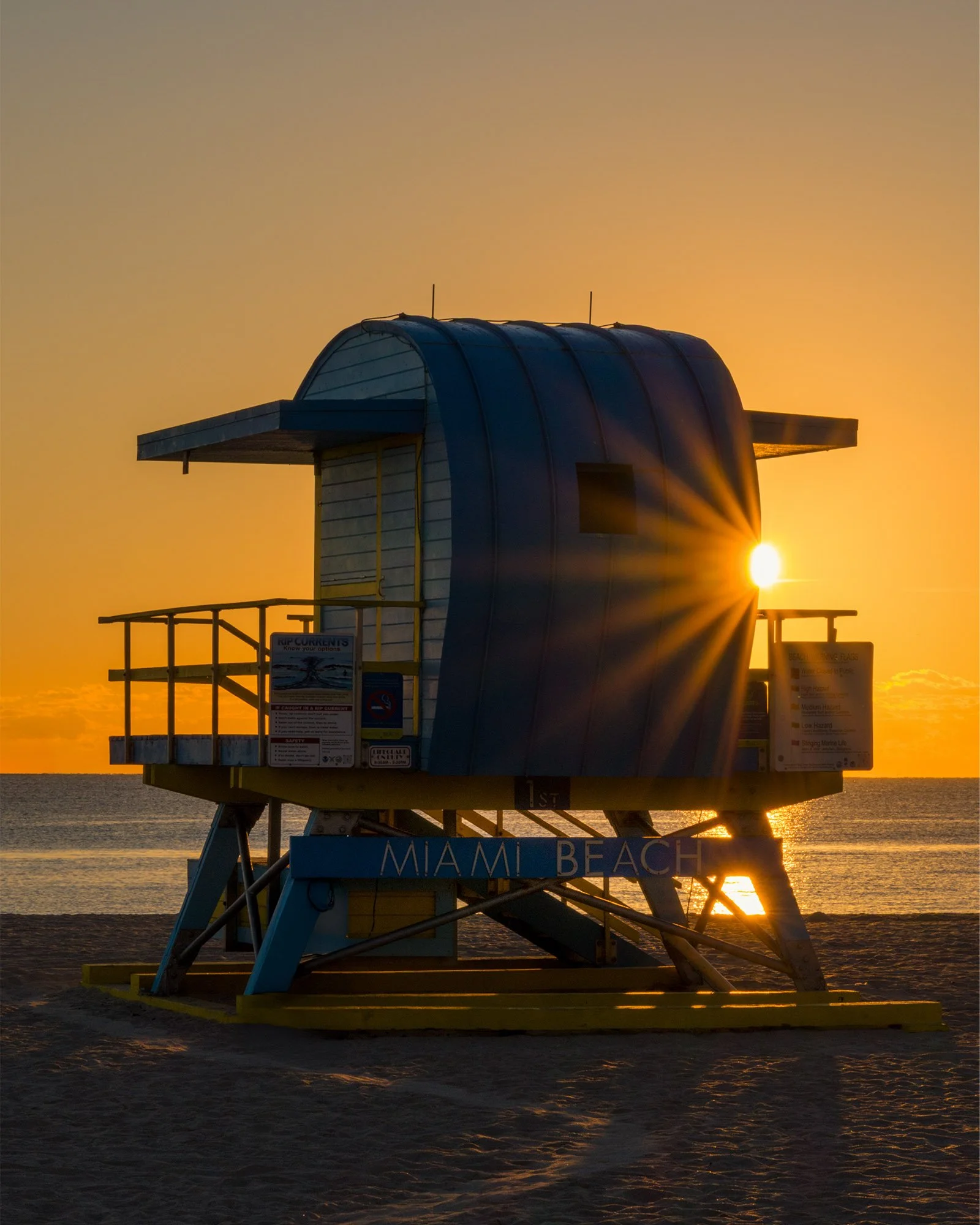
• Stop down - I stopped down to f16 for most of these.
• Clip the edge - Move your feet, not the zoom. A half step left or right decides whether you get a crisp star or a flare that washes out the frame.
Exposure-wise, I normally under expose 2/3 of a stop or a full stop to hold the sky.
Find the Edge, Then Wait
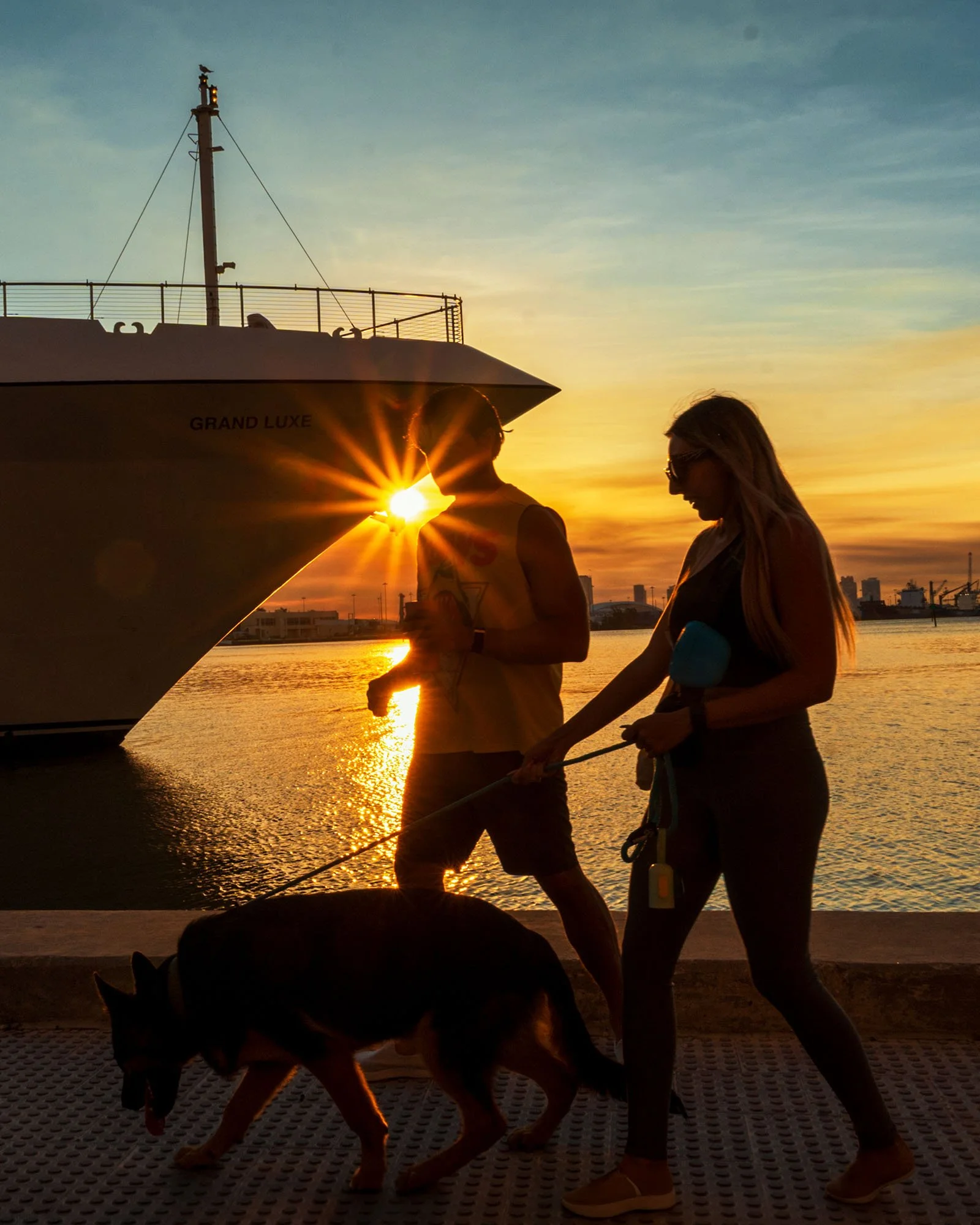
The series below was shot in Bayfront Park, around 8:30 in the morning. Once I found the spot where the bow of a docked cruise ship cut the sun, I stopped moving. The star was already set. All I had to do was wait for people to walk into it.
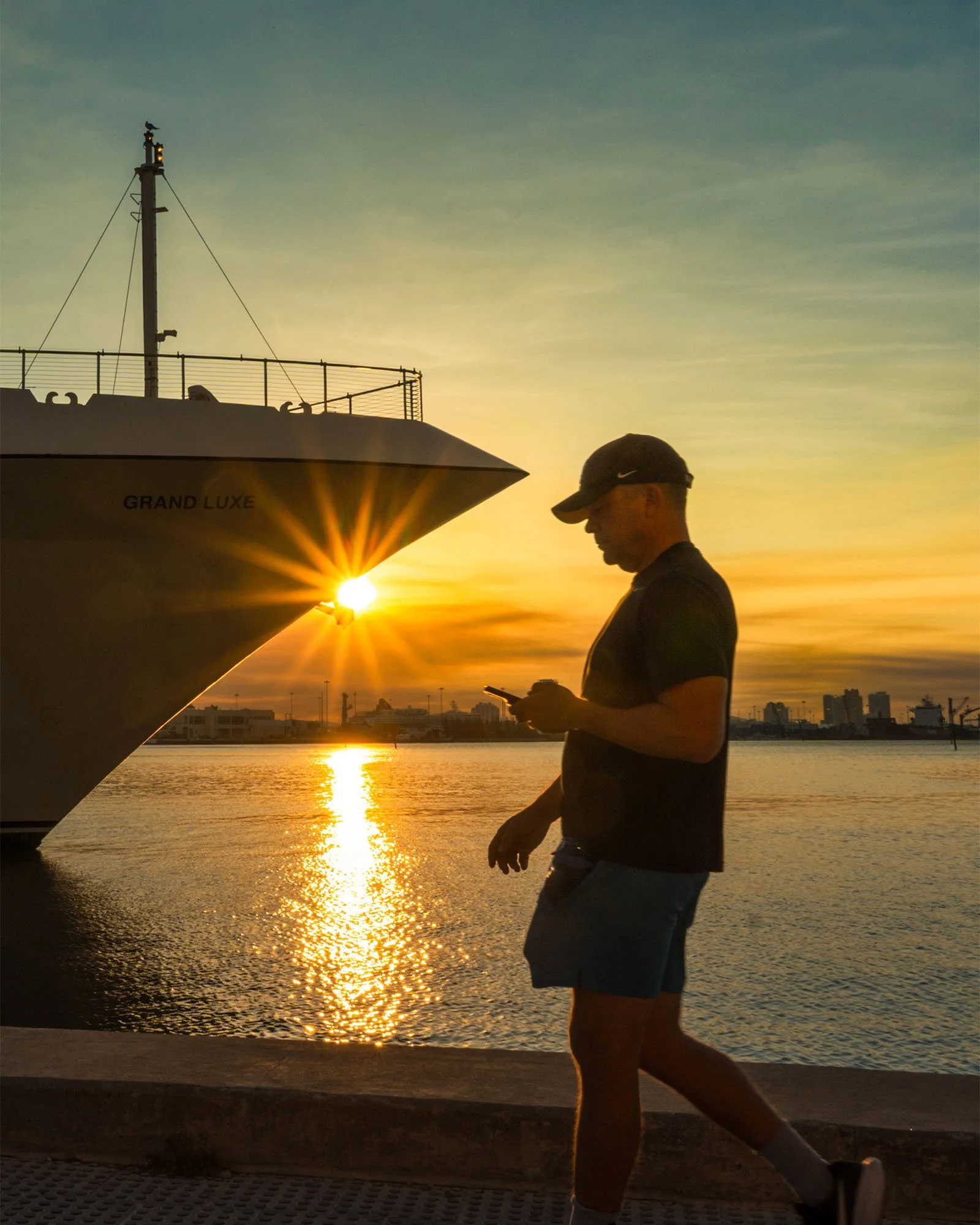
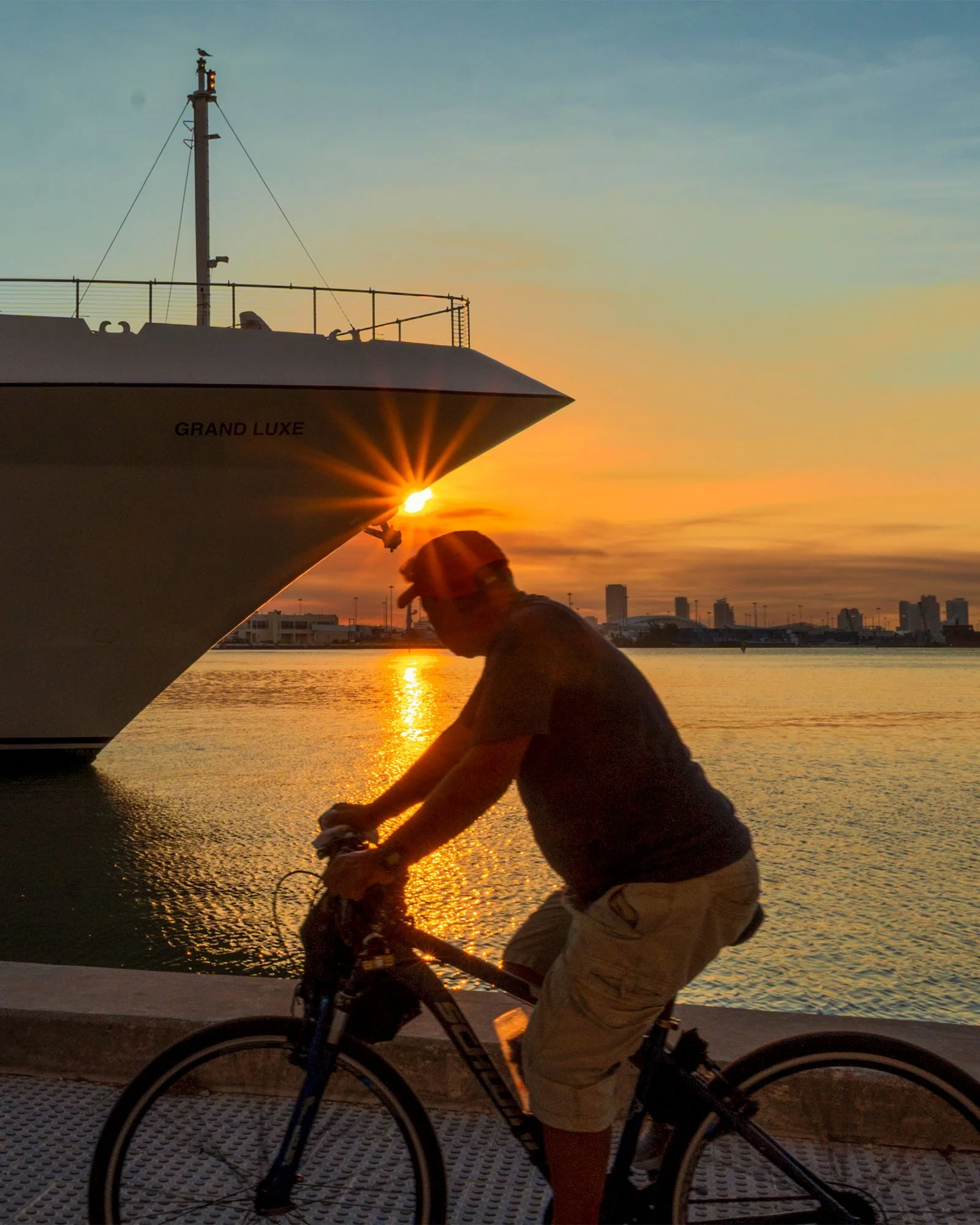
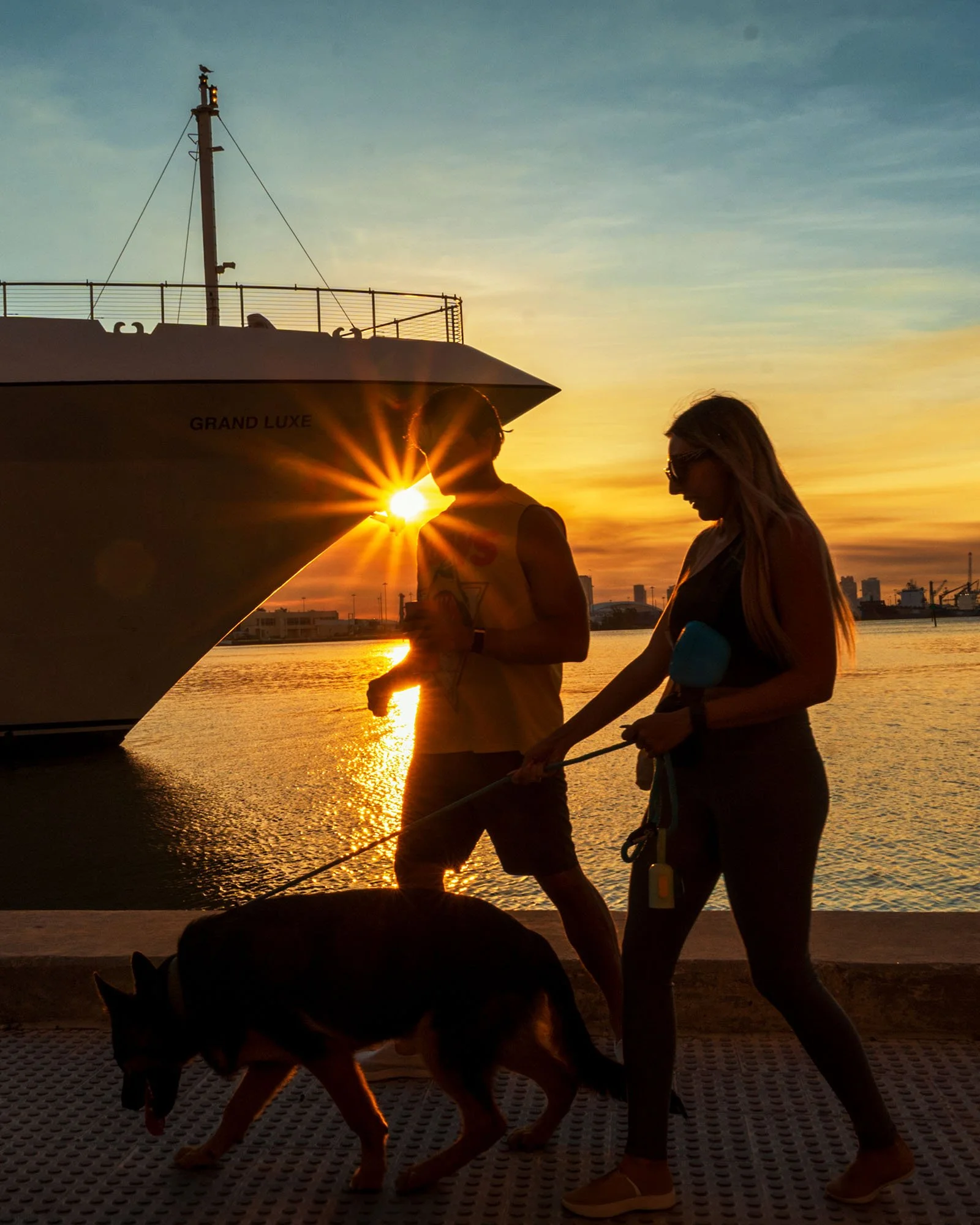
A guy on a bike, then a woman with a backpack. The edge doesn't move, so the flare doesn't either if hold your position. Every few few minutes there's a new frame. This is the easiest way to get a usable series out of one location.
The Misses
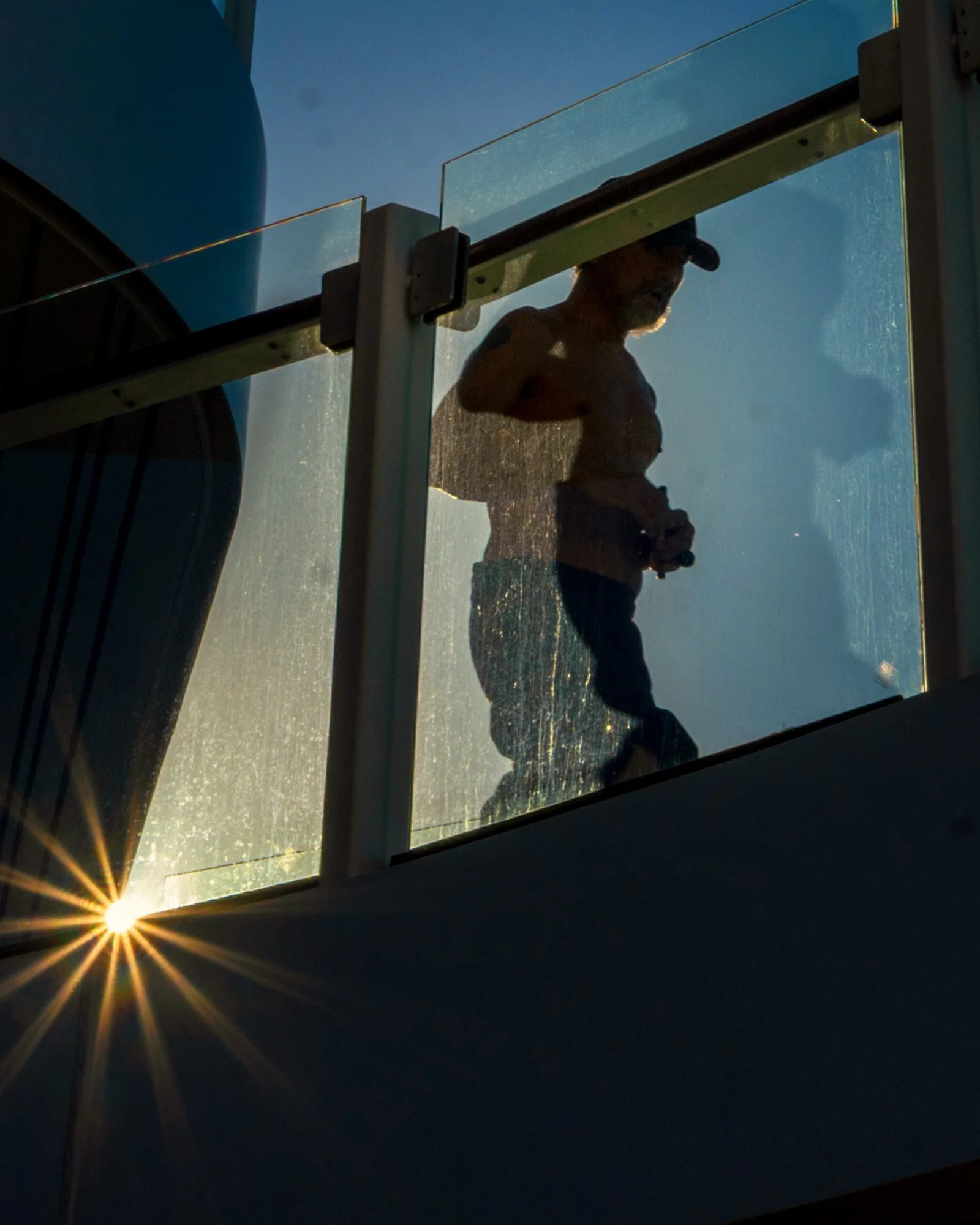
These two came from the running track on a Celebrity cruise ship in the Caribbean. After the first frame, I waited for the man to do another lap of the track. In the first shot, there is too much sun showing. The rays go fat and the core blows out. In the second, the sun is clipped tighter against the glass panel and the star sharpens up.
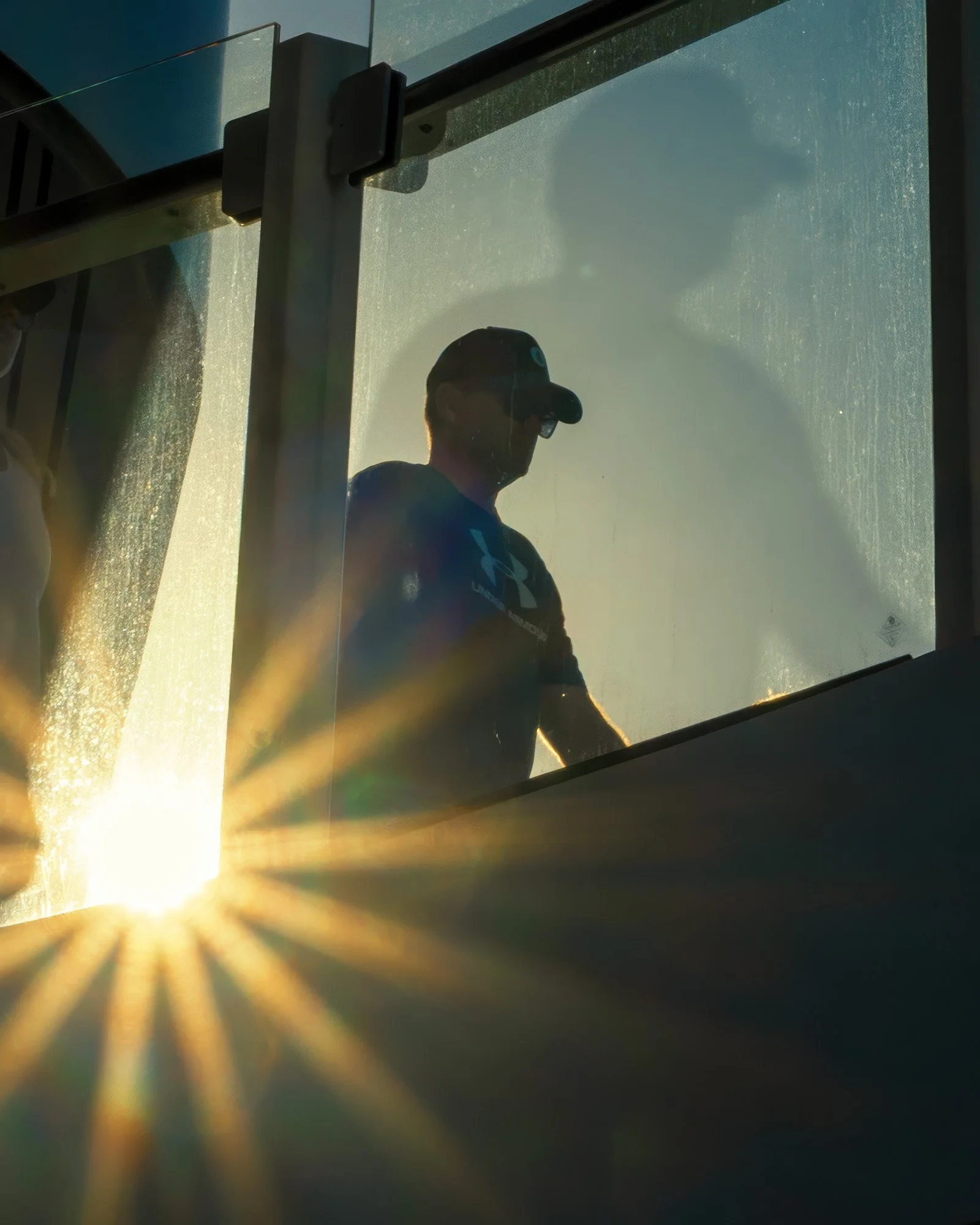
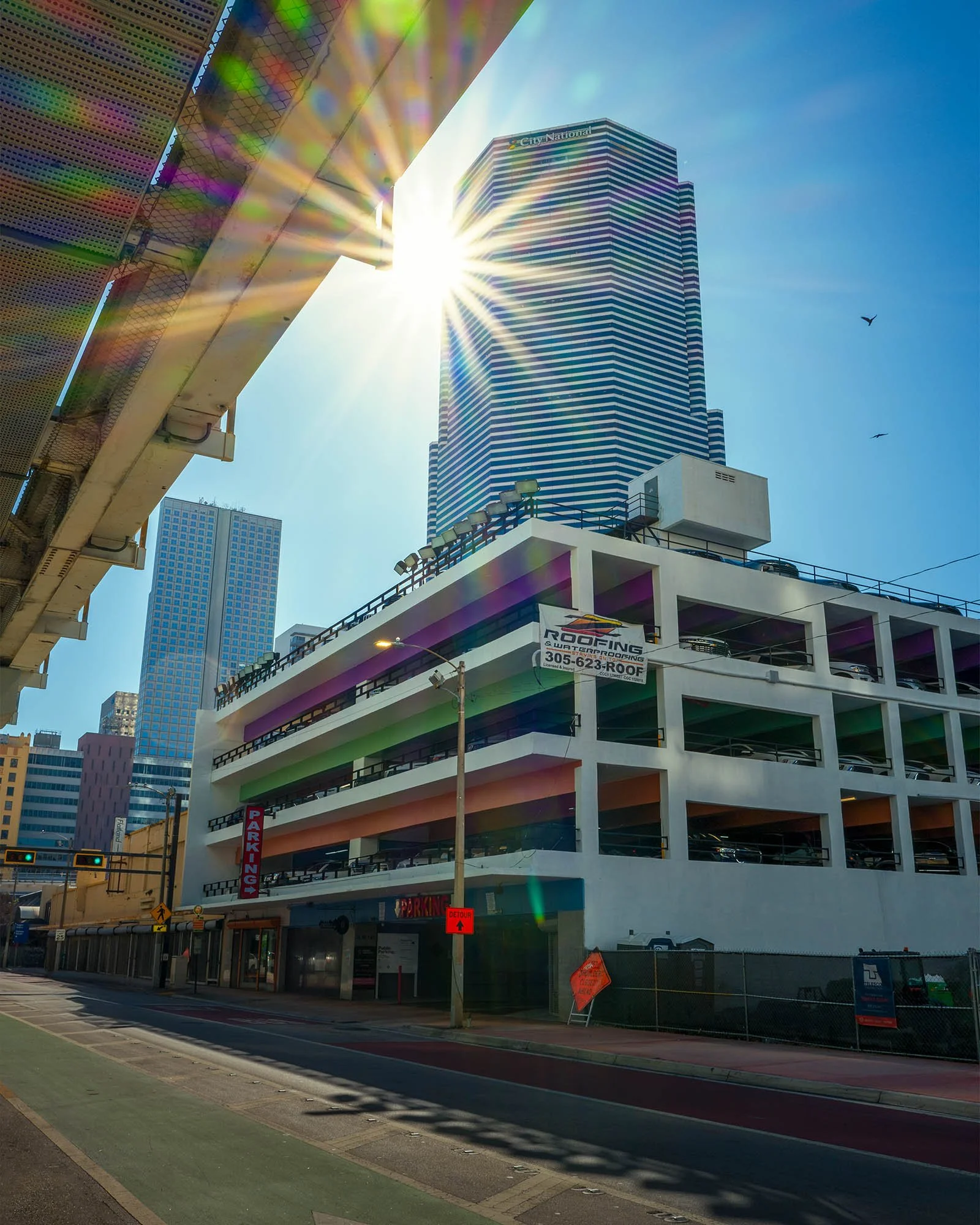
Then there's ghosting. Look at the top left corner of this one. Those colored spots are reflections bouncing between the lens elements, and smaller zooms like the Sigma throw them pretty easily. Sometimes it works. Here it's a distraction.
In Black and White
Take the color out and the star is just shape. A bright point with hard lines coming off it.
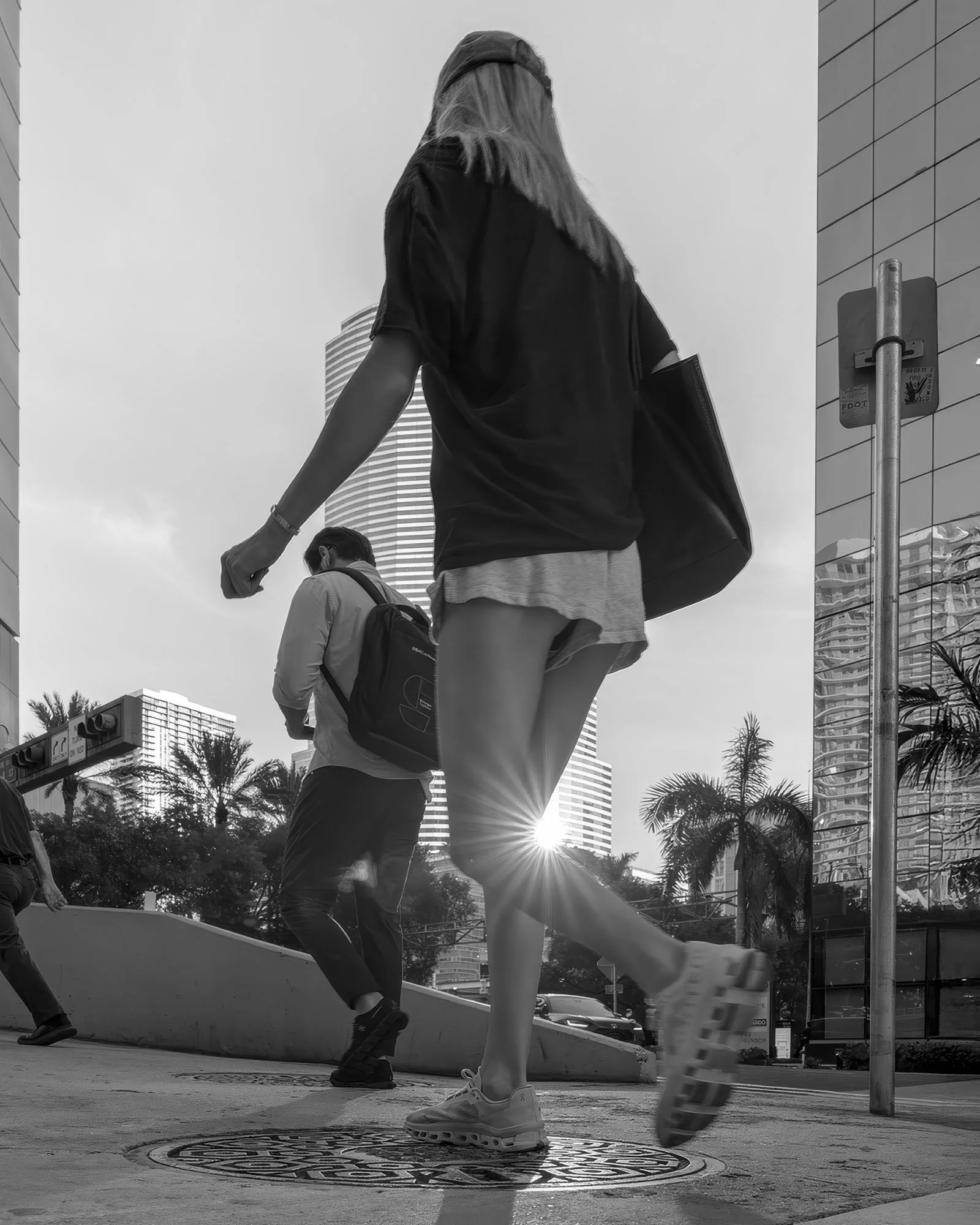
Here her calf is doing the blocking. I was down low by the manhole cover at the corner of Brickell Ave and Biscayne Blvd Way, and the sun sat just above the sidewalk between the towers. One step and it's gone.
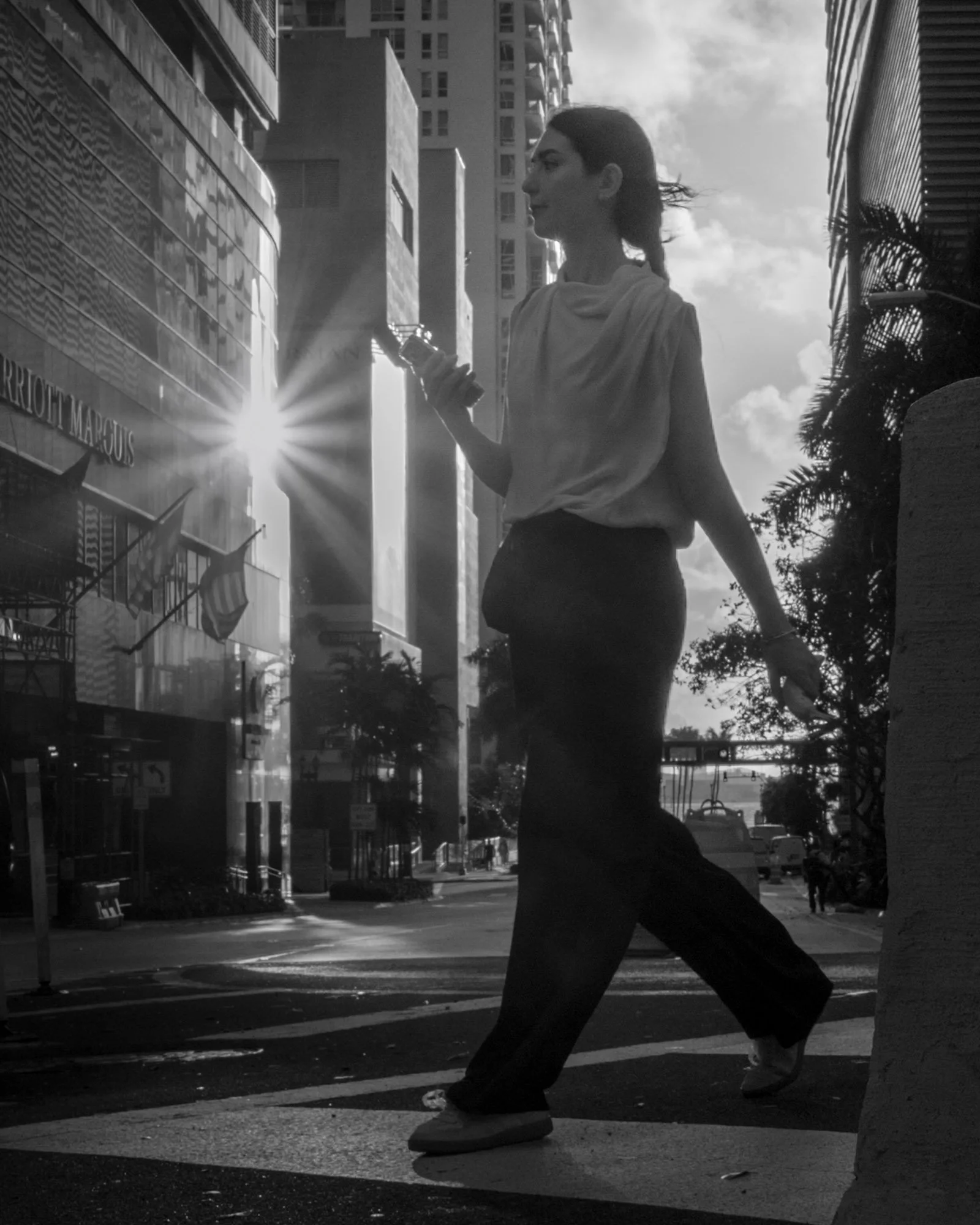
Same idea, different blocker. The building edge clips the sun just off her shoulder.
Out on the Street
This one's the SL3 shot I mentioned earlier, shot from the corner of Biscayne Blvd and SE 3rd St. The sun is sitting right on the building edge, long shadows running across the crosswalk, a scooter cutting through. Count the rays against the Sigma frames above. Finer, more of them.
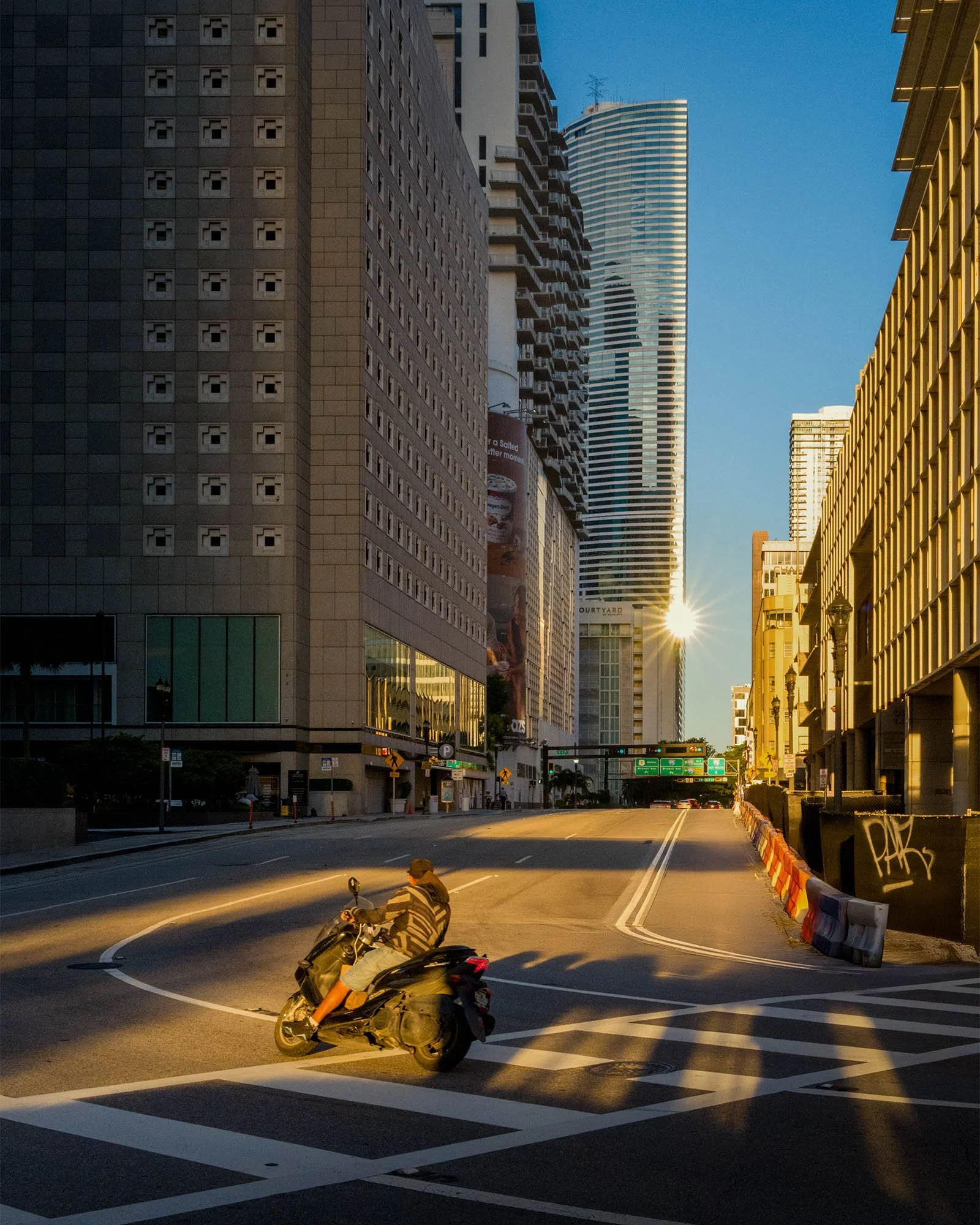
This frame made it into Trope: Miami, one of more than fifty of my photos in the book.
Last one, Lummus Park in South Beach. Hard midday light, sun high, two cyclists on the path. Most people put the camera away at this hour. The star is still there, tucked into the palm fronds.
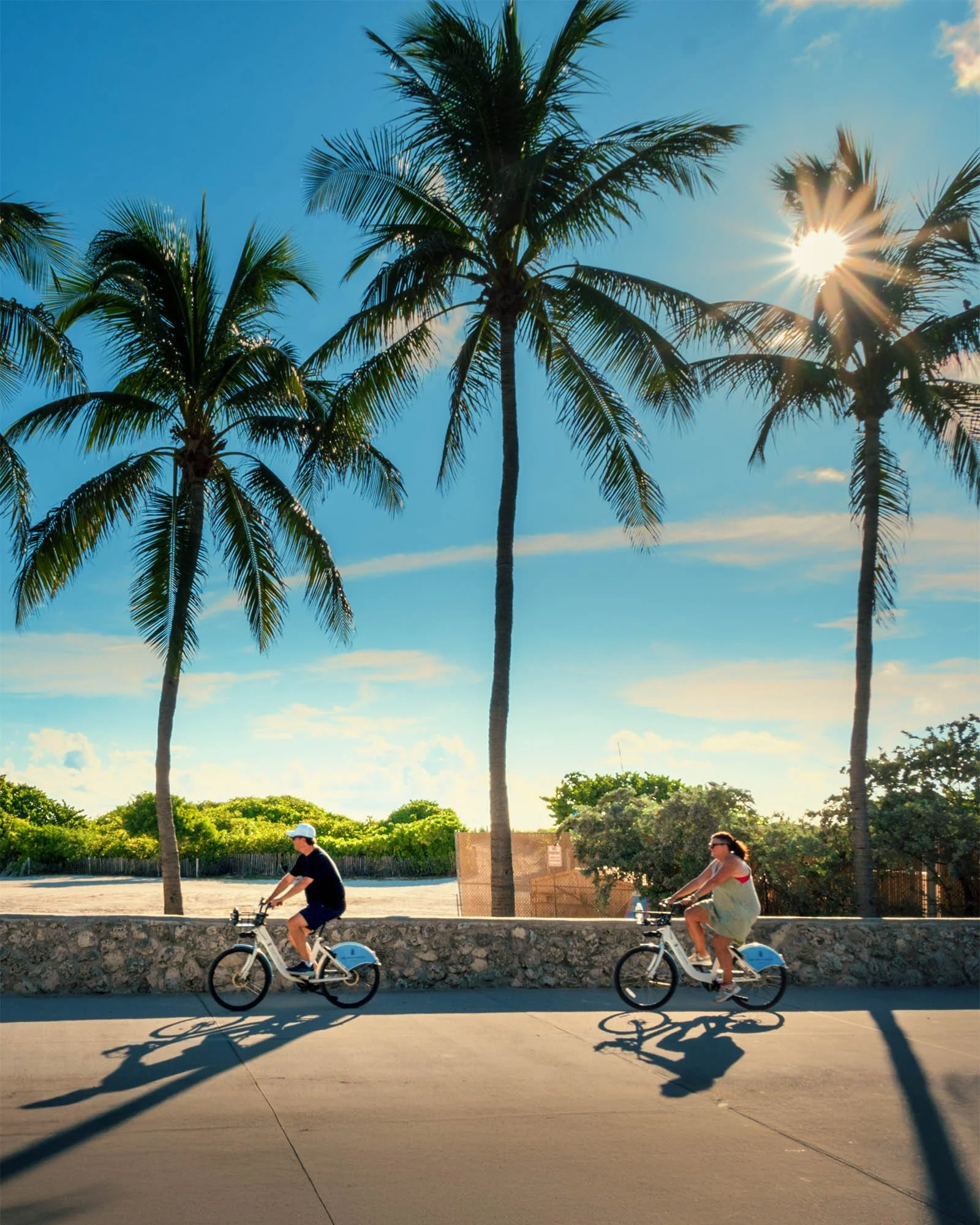
You don't need golden hour for this. Next time the sun is straight overhead, find a palm tree, put the sun right at the edge of a frond and stop down.
Use foreground elements to add depth, texture, and story to your photographs.